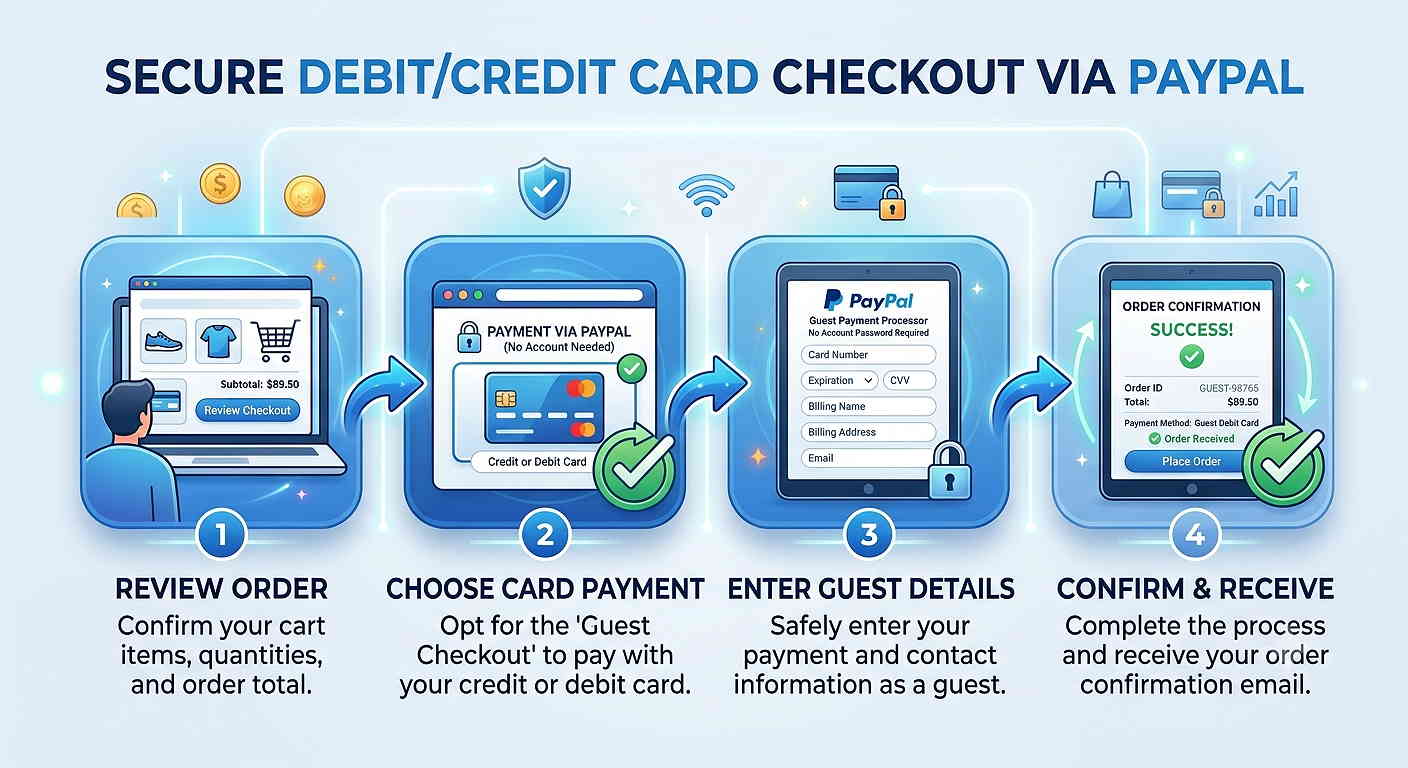
Use your Debit or Credit Card.
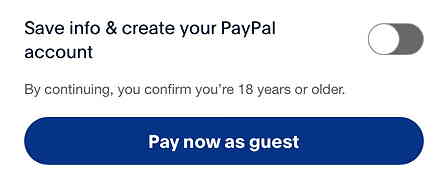
You do not need to create a PayPal account. Note that in one of the last steps you need to deselect an option. See below.
You will have to go through the full verification process as with any online purchase. There are no extra steps.
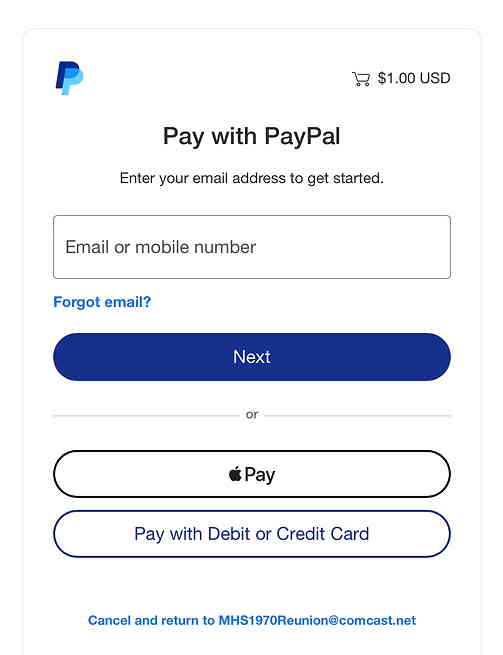
This is the screen you will see first.
Fill in your information.
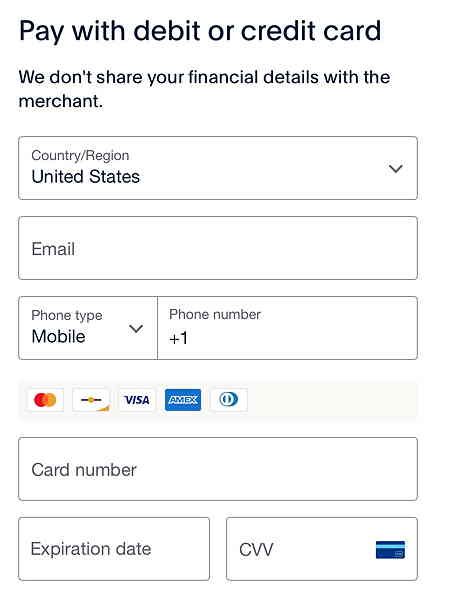
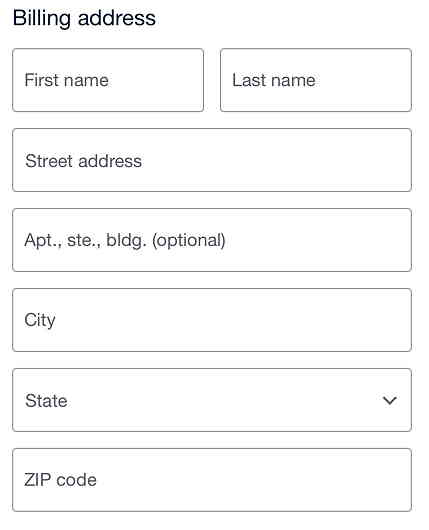
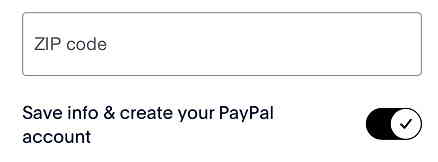
Be sure to deselect the option to “Save info & create your PayPal account” if you don’t want that. Then click the button “Pay now as guest“.
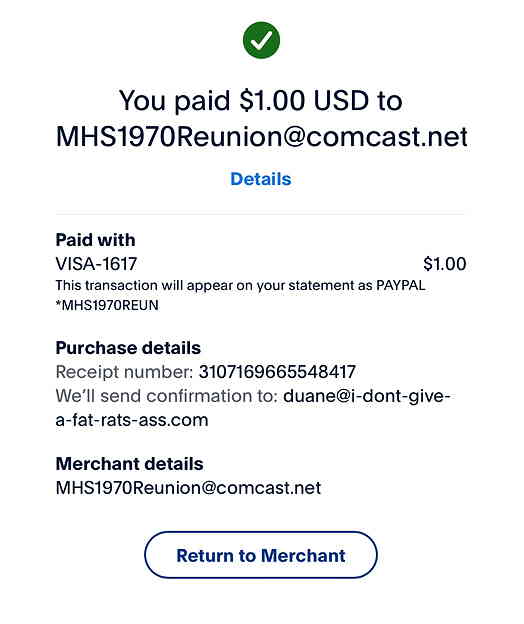
You will get a receipt similar to the one shown below.