Purchase Dinner Tickets Below
- We use a PayPal plugin to process payments here because it’s simplest.
- You don’t need a PayPal account for this. If you have one it’s easier.
- You can pay with credit card.
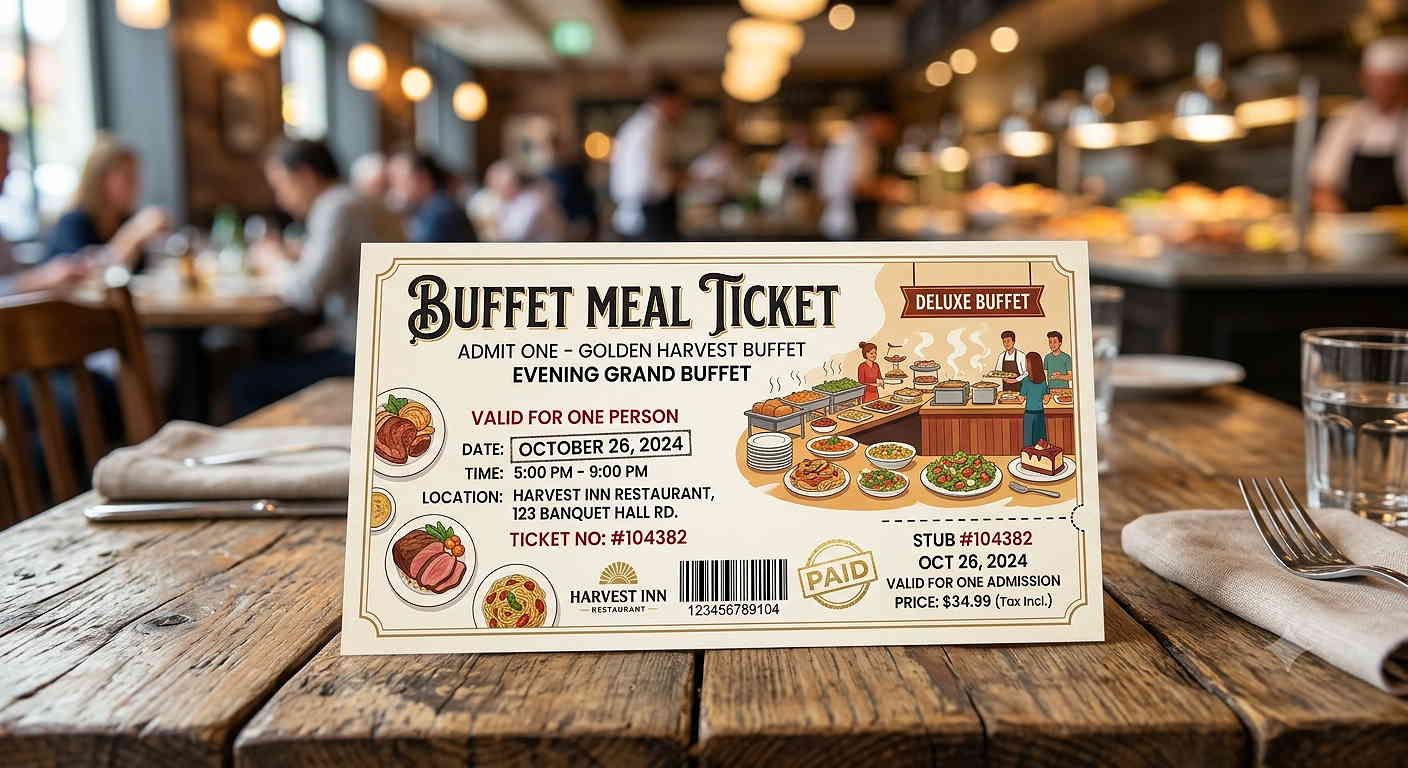
- You won’t get physical tickets. You’ll get a confirmation receipt. We know whose paid.
Choose how many you’d like to purchase from the dropdown. See the instructions below for a step by step guide.
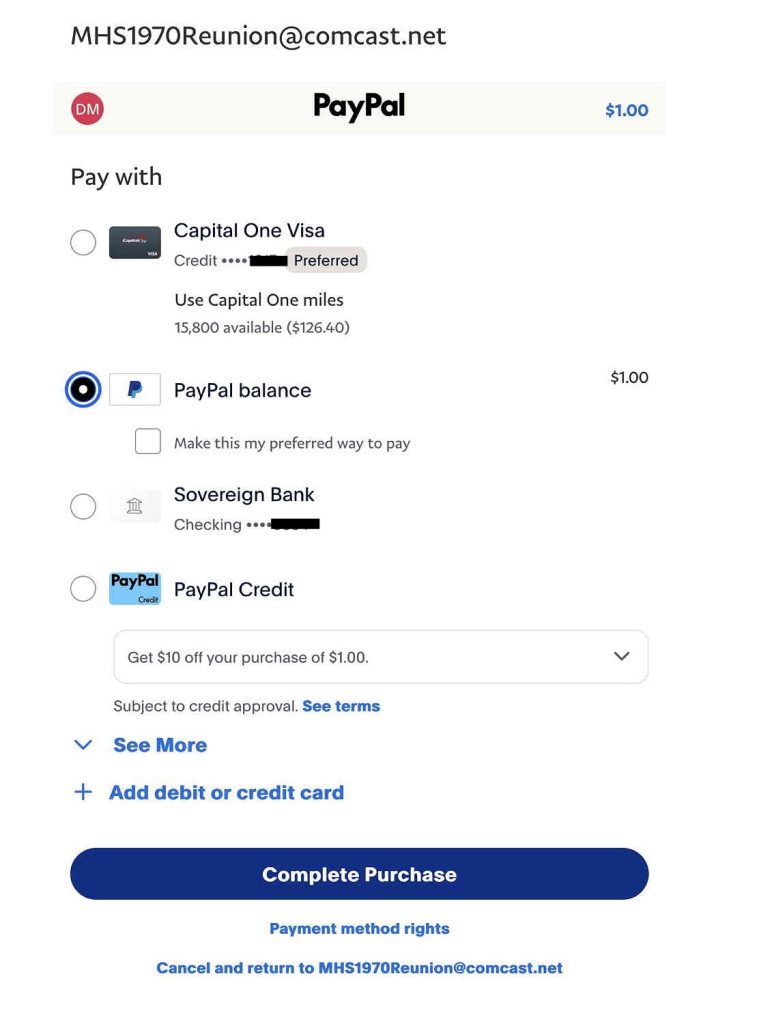
If you have a PayPal account this is how it goes.
For a full description of this process go here: PayPal Account Payment.
In the first screen you choose your payment method. And then select “Complete Purchase”. Done.
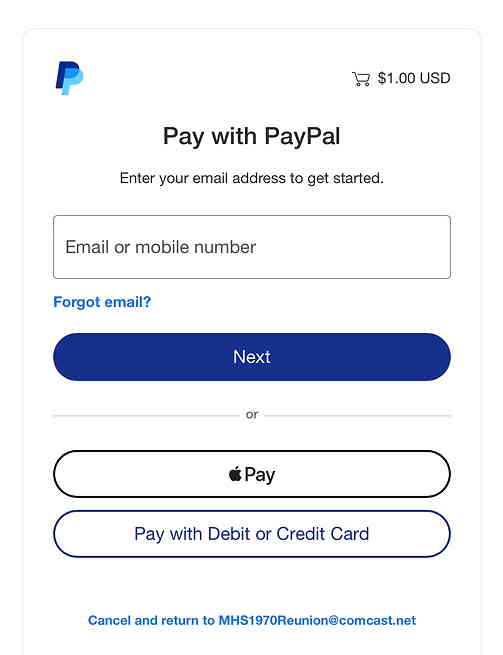
If you don’t have a PayPal account and don’t want to create one here is how it goes.
For a full description of this process go here: PayPal Guest Payment.
You’ll see this screen first and you will need to fill in all the verification details. There are a number of steps like any online payment verification process.